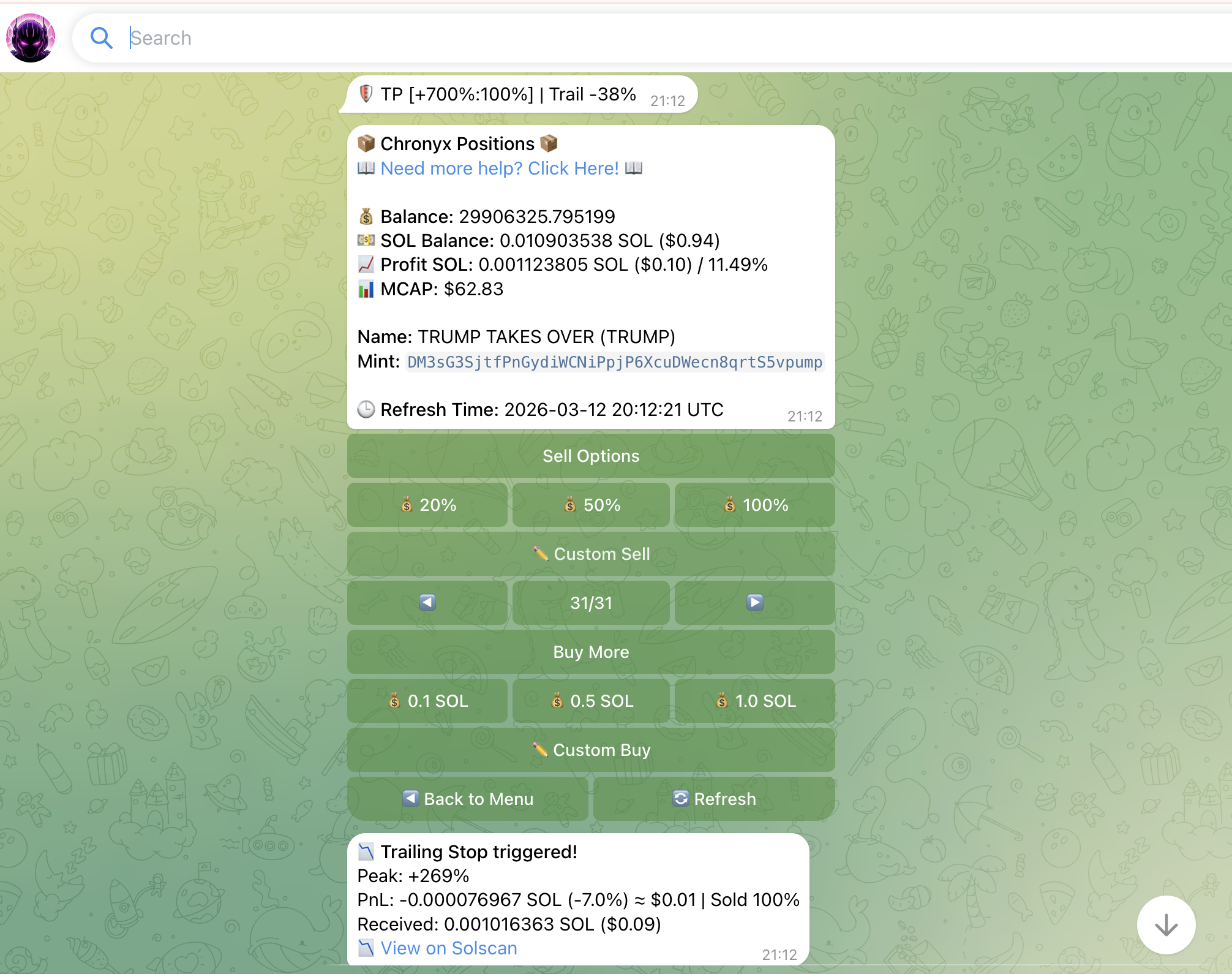
📉 Trailing Stop Loss
A Trailing Stop Loss moves upward with the price, locking in more profit the higher the token climbs. It sells automatically if the price pulls back by your configured percentage.
🔄 How It Works
Instead of a fixed price floor, the Trailing Stop Loss tracks the highest price reached after your buy and keeps a stop level a set percentage below it.
Example: You buy at $1.00 and set a trailing stop of 20%.
| Peak Price | Stop Level | Outcome |
|---|---|---|
| $1.00 | $0.80 | No sell yet |
| $2.00 | $1.60 | Stop moves up |
| $3.00 | $2.40 | Stop moves up again |
| Drops to $2.40 | - | Automatic sell |
The stop only moves up, never down. Once the price drops 20% from the peak, Chronyx sells your position.
Advantage over fixed SL: A fixed stop would have sold at $0.80 regardless of how high the token went. Trailing Stop lets your gains run and locks in profit automatically.
Presets: 5%, 10%, 15%, 20%, 25%, 30% + Custom
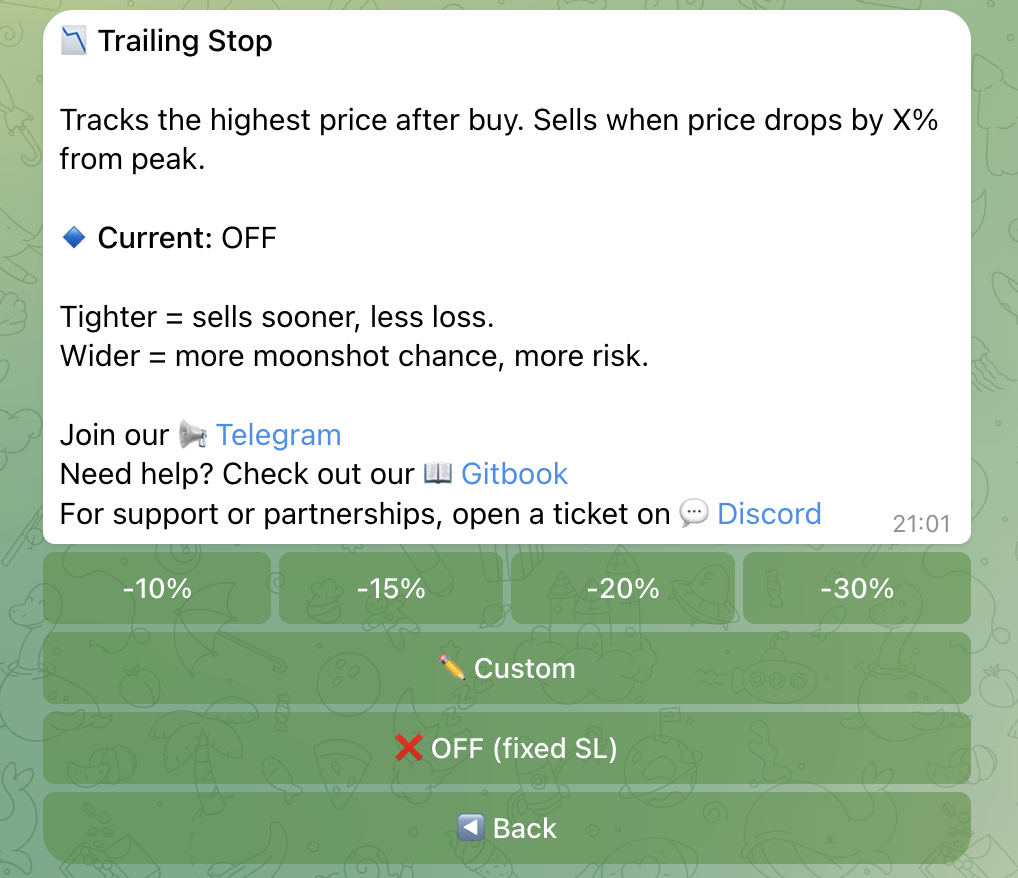
🤝 Working Together with SL and TP Steps
Trailing Stop Loss can be active at the same time as a fixed Stop Loss and Take Profit steps. Here’s how they interact:
- Fixed SL + Trailing: The fixed SL acts as the initial floor. Once the price rises above entry, the trailing stop takes over as the effective protection.
- TP Steps + Trailing: When a TP step triggers, Chronyx sells the configured portion of your position. The Trailing Stop continues running on the remaining position.
- All three active: Full automation - partial profits taken at TP targets, full protection from the trailing stop if the price reverses.
⚠️ Important: Trailing Stop Loss sells 100% of the remaining position when triggered. Make sure your TP steps are set correctly if you want partial sells before the trail fires.