🛡️ Stop Loss / Take Profit
Stop Loss and Take Profit automatically protect and realize your positions. No need to watch charts 24/7. Configure them once and Chronyx will execute trades for you when your price targets are hit.
⚙️ Settings Overview
From the SL/TP menu you can:
- Set a Stop Loss percentage
- Add one or more Take Profit steps
- Enable Auto SL/TP to automatically activate these settings on every new buy
How it works: Chronyx monitors token prices in real time using WebSocket connections. Every tiny price movement is detected instantly, so your Stop Loss and Take Profit triggers fire the moment your target is hit.
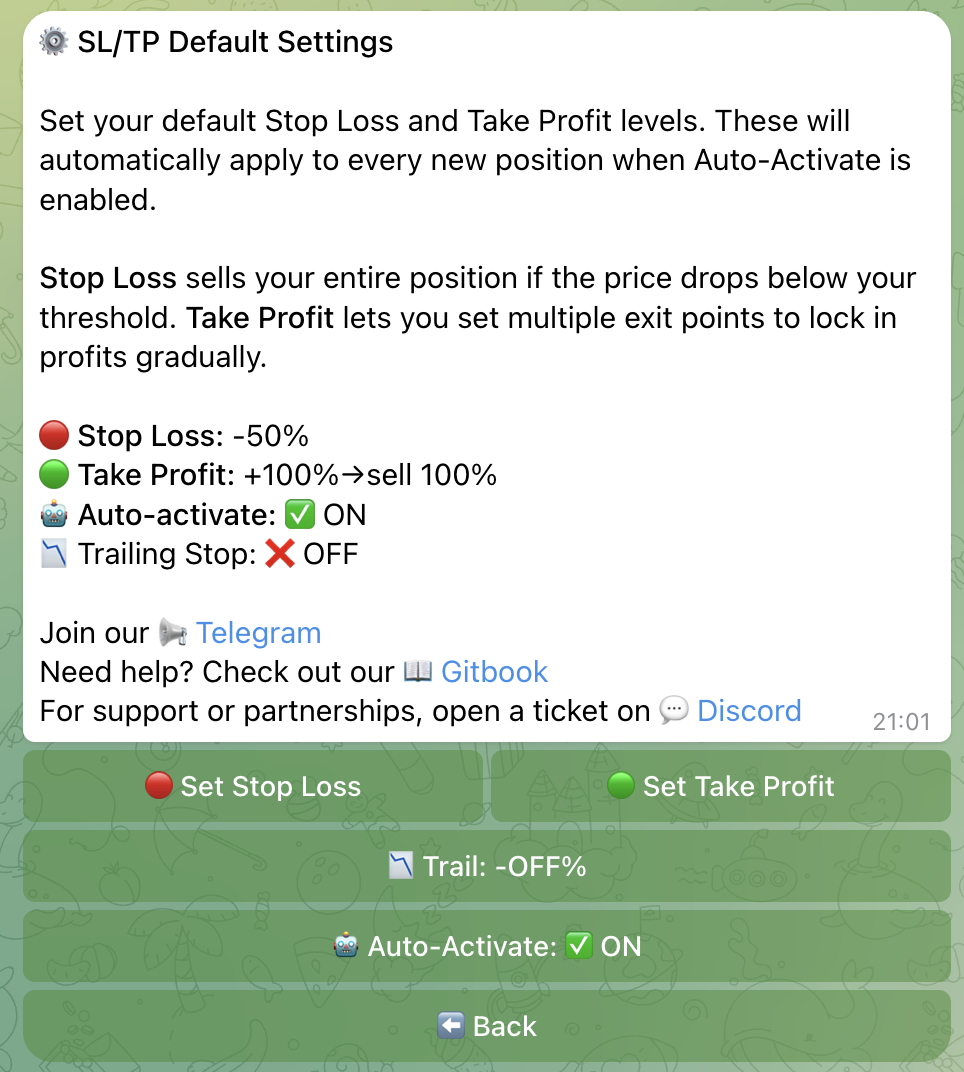
🔴 Stop Loss (SL)
Stop Loss sells 100% of your position when the token price drops by the configured percentage from your buy price.
Example: You buy a token at $1.00 with SL set to -20%. If the price drops to $0.80, Chronyx automatically sells your entire position.
Presets: -10%, -15%, -20%, -25%, -30%, -50% + Custom
⚠️ Important: Stop Loss always sells 100% of the remaining position. It does not support partial sells. Use Take Profit steps for gradual selling.
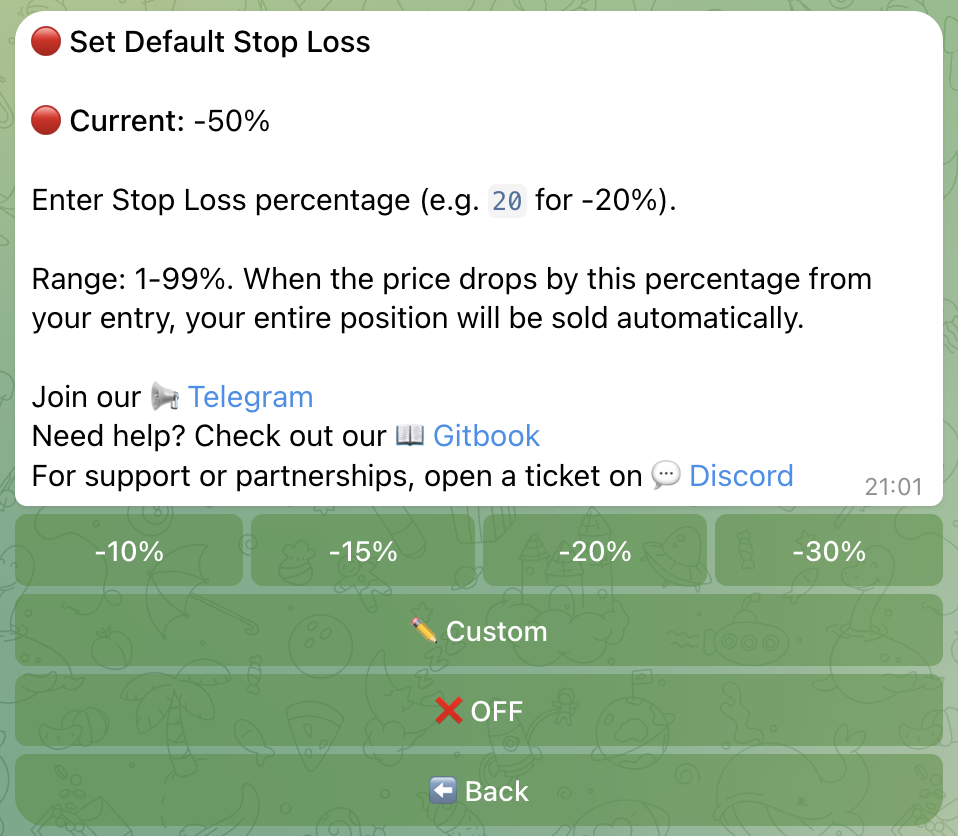
🟢 Take Profit (TP) Steps
Take Profit supports multiple steps, each with its own trigger percentage and sell percentage. This lets you lock in profits incrementally while letting the rest ride.
Example configuration (as shown in the screenshot):
| Step | Trigger | Sell |
|---|---|---|
| 1 | +50% | 50% |
| 2 | +100% | 50% |
| 3 | +150% | 100% |
- At +50% gain: sell 50% of your position
- At +100% gain: sell 50% of the remaining position
- At +150% gain: sell everything left
How to enter custom TP Steps
Tap Set TP in the SL/TP menu, then type your steps in this format:
50:50, 100:50, 150:100Each pair is trigger:sell separated by commas. In the example above:
50:50means “at +50% gain, sell 50%”100:50means “at +100% gain, sell 50%”150:100means “at +150% gain, sell 100%”
You can add as many steps as you want. Just make sure the trigger percentages go up and the last step sells 100% to close the position completely.
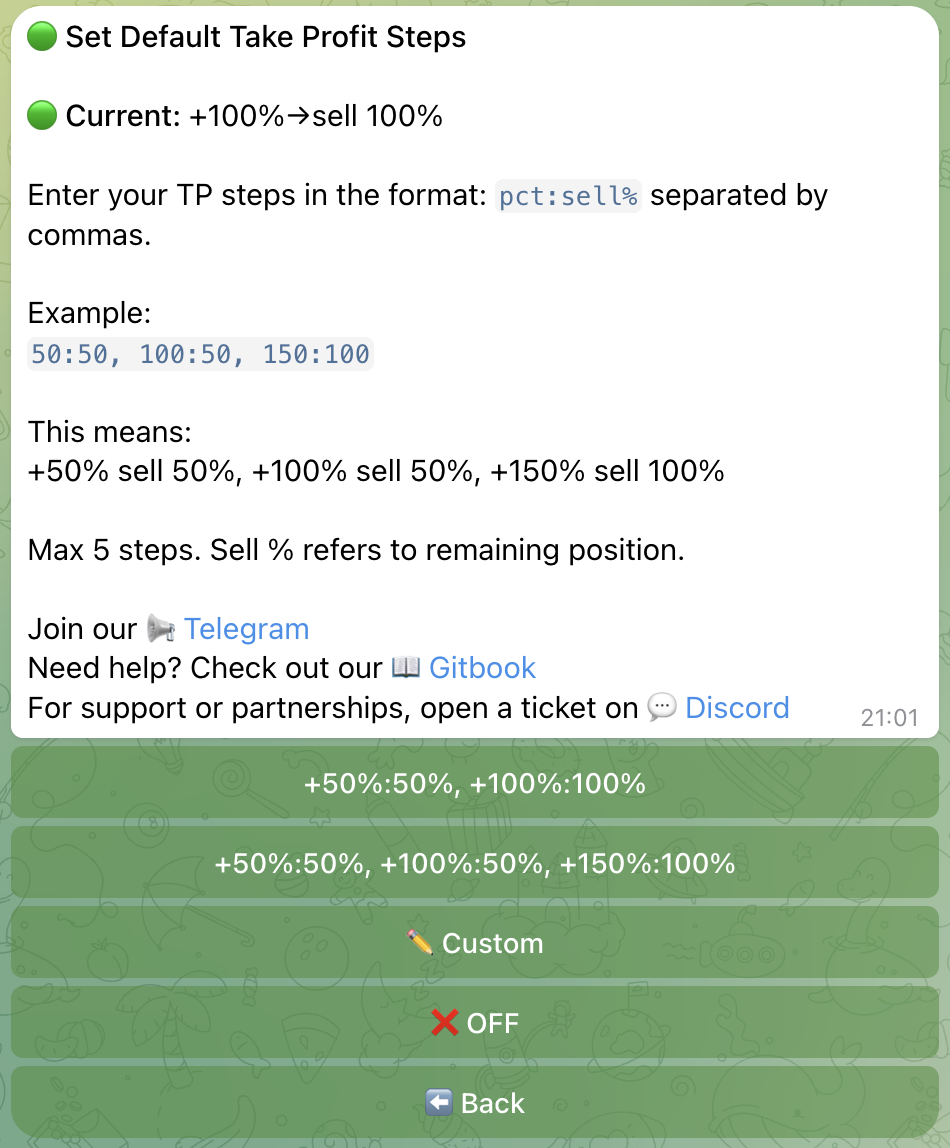
🔁 Auto SL/TP
When Auto SL/TP is enabled, Chronyx automatically activates your SL and TP settings on every new buy, including Alpha Radar auto-buys. You don’t need to manually enable SL/TP for each position.
💥 What Happens When Triggered?
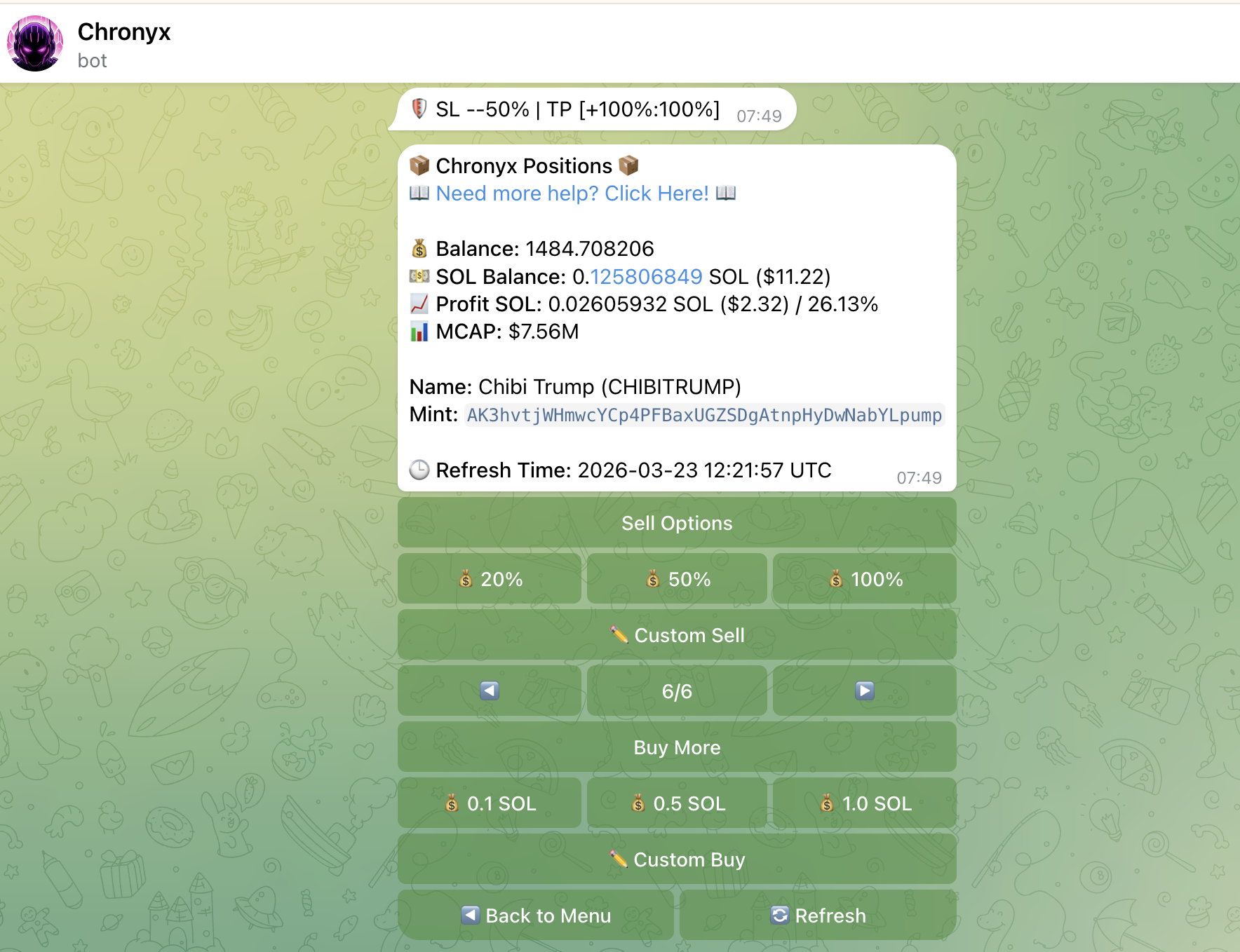
When an SL or TP step is triggered:
- Chronyx sends the sell transaction immediately
- You receive a Telegram notification with the result
- TP steps are cleared one by one as they trigger; SL cancels all remaining TP steps
👉 Next: Learn about Trailing Stop Loss to protect profits dynamically.